Anatomy of SVG Code
In the template, the icons are used as SVG Code for more functional use. The following instructions explain how you can get and edit the SVG Code of your icons.
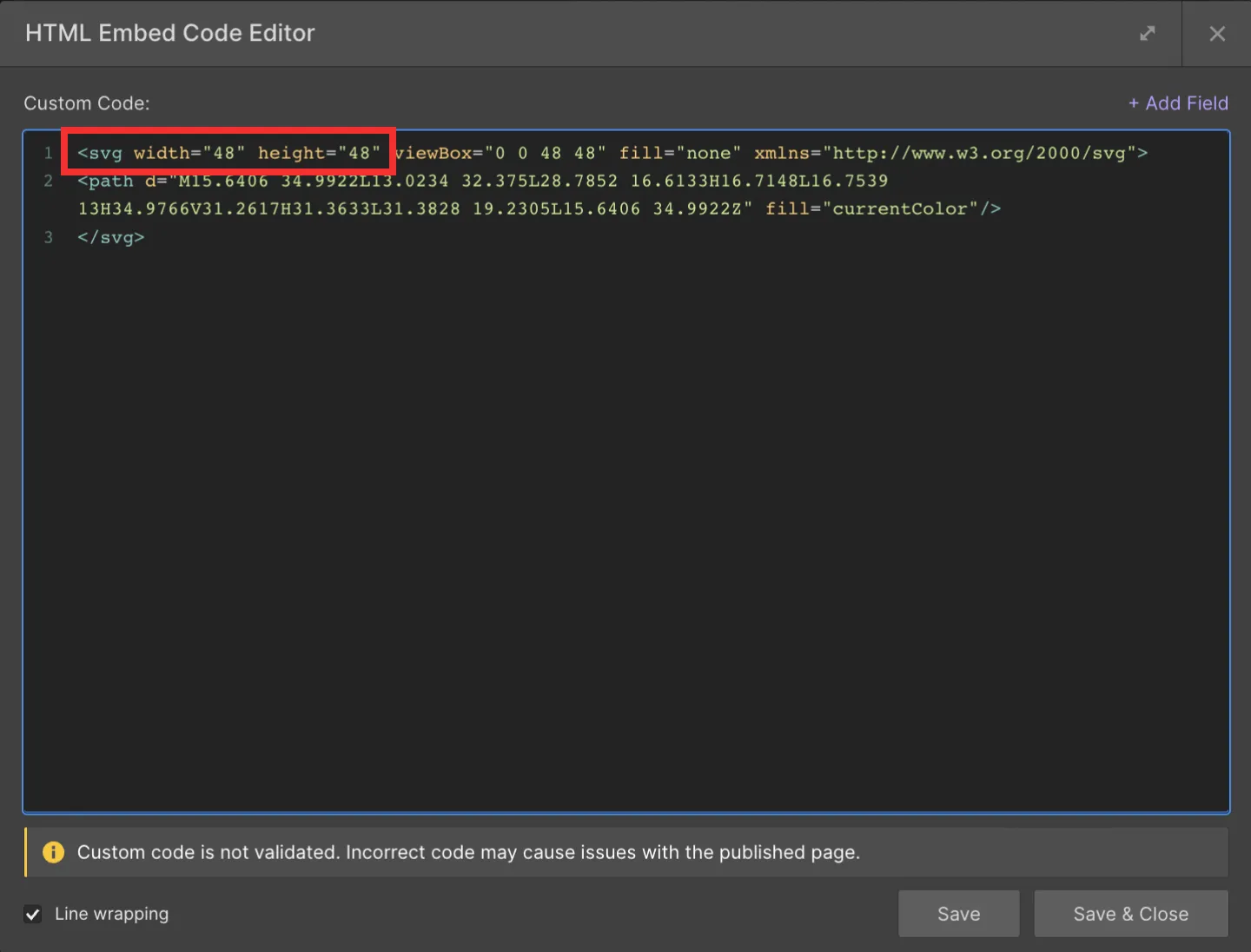
- Size of the icon. Better to use in "%" and final size control via Webflow "Size" panel
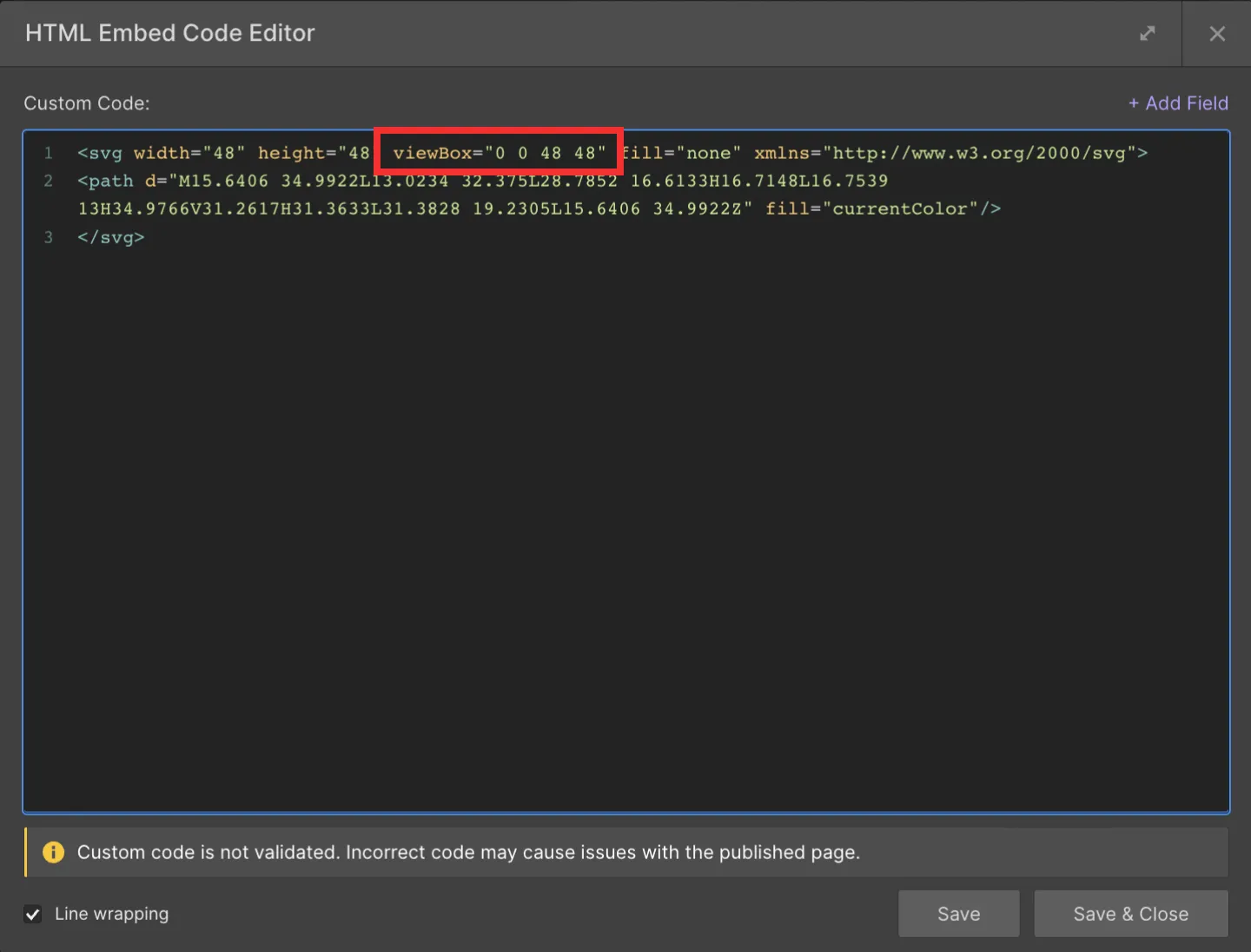
- This is a bounding box of icon.
- Content of icon. How it will look like
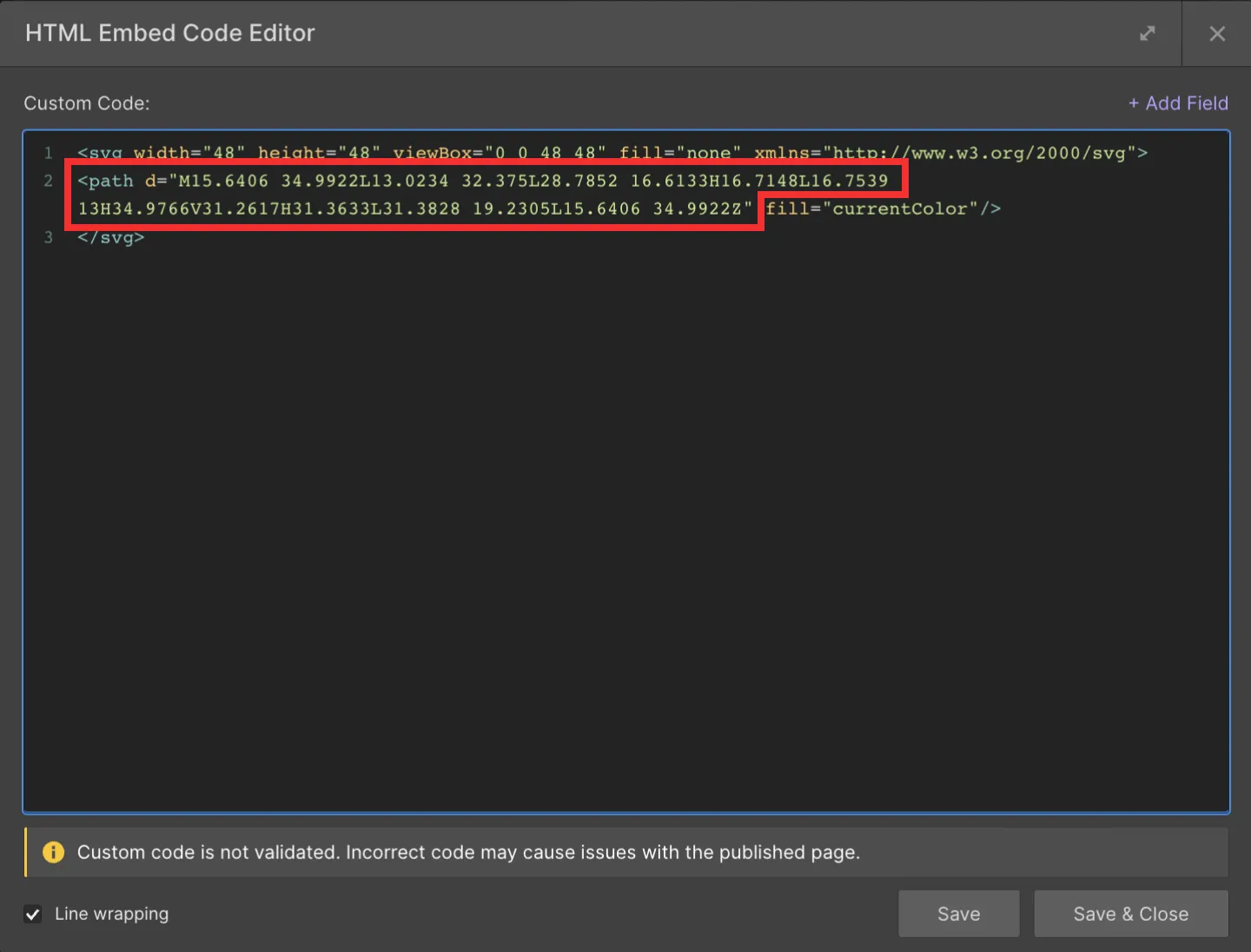
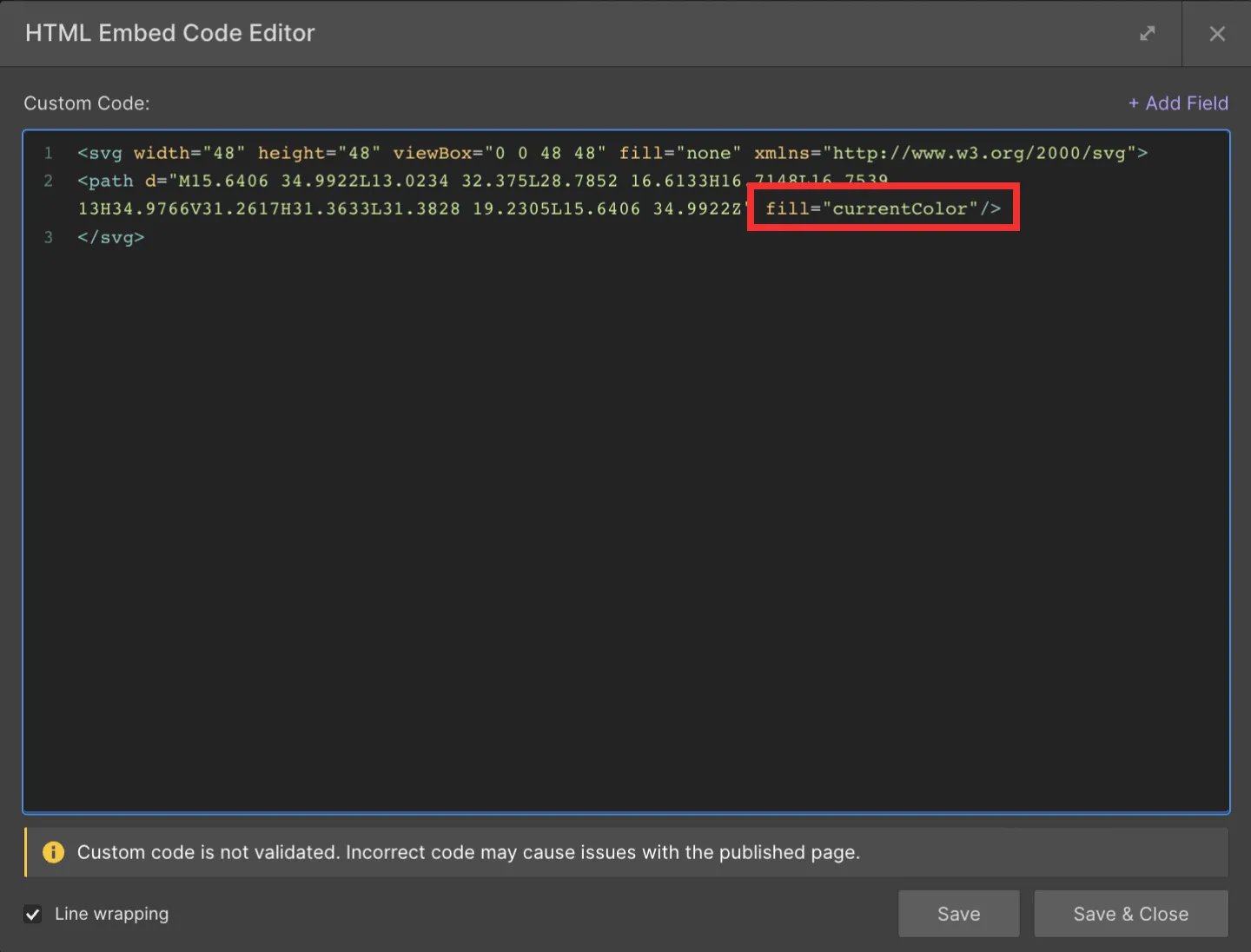
- If you want to control color via Webflow panel in the Typography section you should write in "fill" parameter property "currentColor"
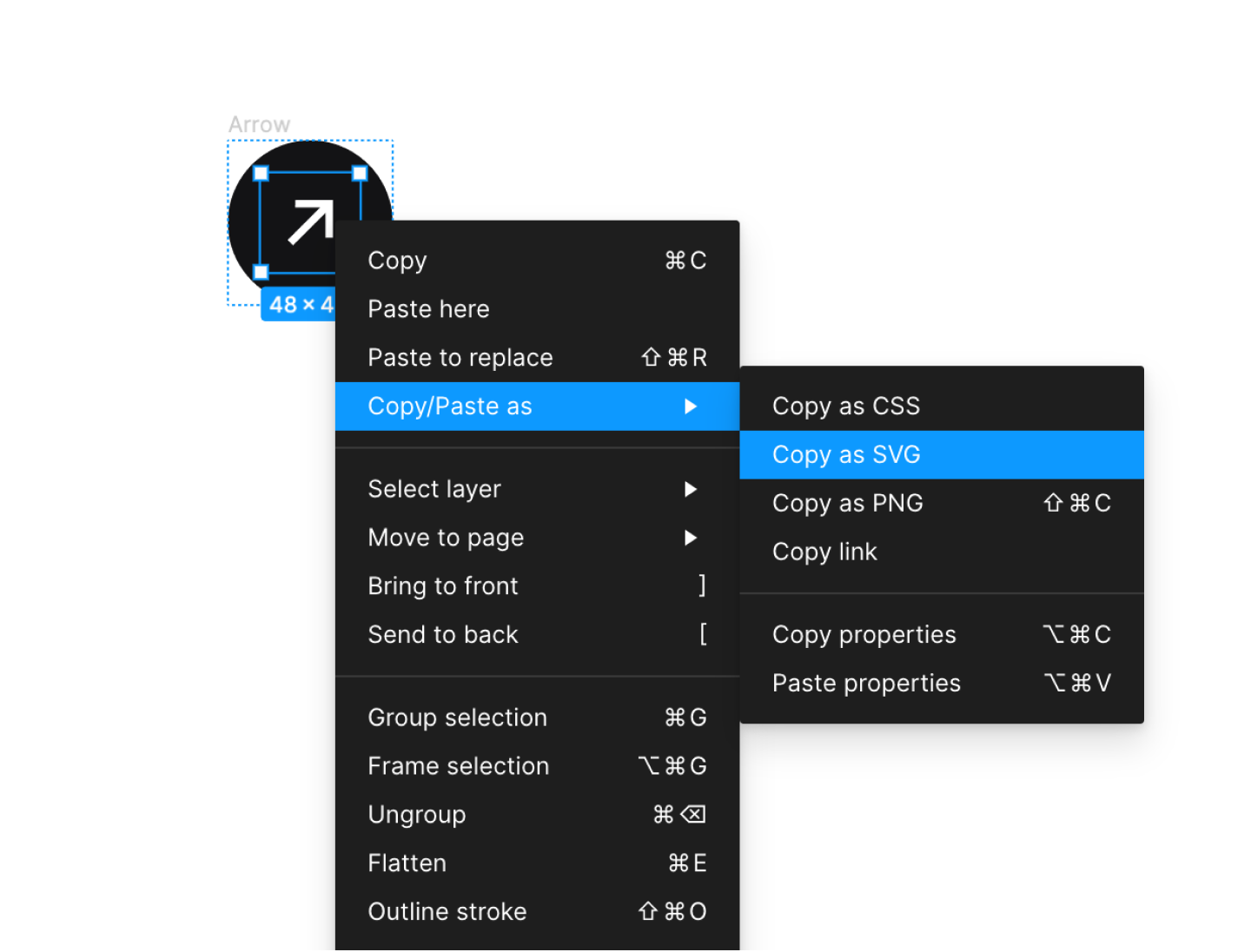
- Figma you can simple click on SVG icon right button of the mouse and find "copy as SVG" command.